
PRE BESKAR MANDOPUTER INSTALL INSTRUCTIONS
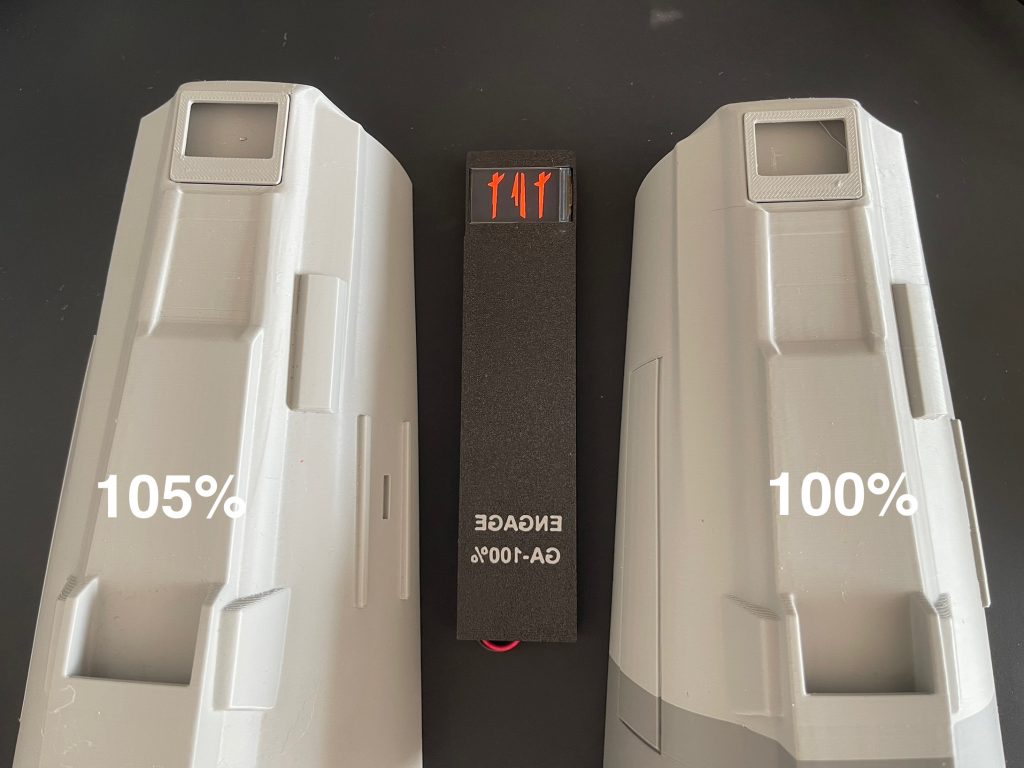
Find video walkthrough below.
IF YOU HAVE PURCHASED A CASE FOLLOW THE VIDEOS BELOW.
For orders with no case the following will be included:
Foam Wrap
Thin foam to cut to shape as a surround.
Example battery link can be found – HERE

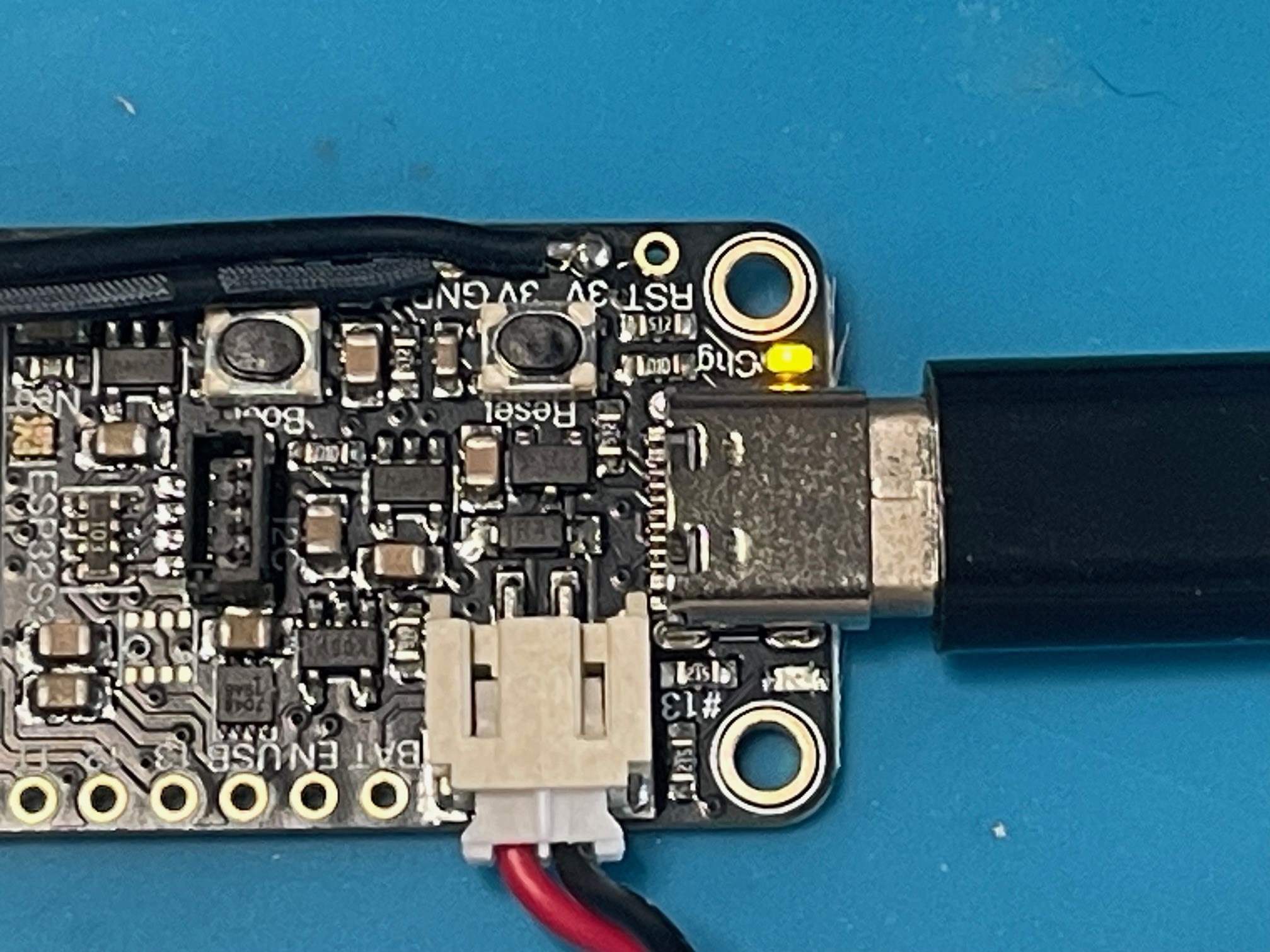
The main board supports battery charging. Connect the battery and then connect to USB C to a power bank (not a mains charger as it may provide too much power). A yellow LED will illuminate to signify the battery is charging. The light will go out once battery has charged.
TROUBLESHOOTING:
ISSUE – The unit has power but there are two red LED’s showing on the board.
FIX – Press the button labelled ‘Reset’ and the unit will reboot and come on as expected.
Here is a video example of installing using the foam surround (video shows Beskar install but process is the same.
DISCLAIMER
I create custom sound units designed for cosplay, prop, and entertainment purposes. While I produce original sound effects inspired by various fictional characters, some audio elements may be derived from or inspired by publicly available material. I do not claim ownership of any original audio, visual designs, character likenesses, names, or imagery from films, television shows, games, or other media.
Any images, designs, or characters shown on this website that may resemble or be inspired by existing franchises are unofficial fan-made representations intended solely for artistic, cosplay, and illustrative purposes. All trademarks, copyrights, character likenesses, and intellectual property remain the property of their respective owners.
My work is not affiliated with, endorsed by, sponsored by, or associated with any official franchise, studio, rights holder, or production company. No challenge to the ownership of any intellectual property is intended.