
BESKAR MANDOPUTER INSTALL INSTRUCTIONS
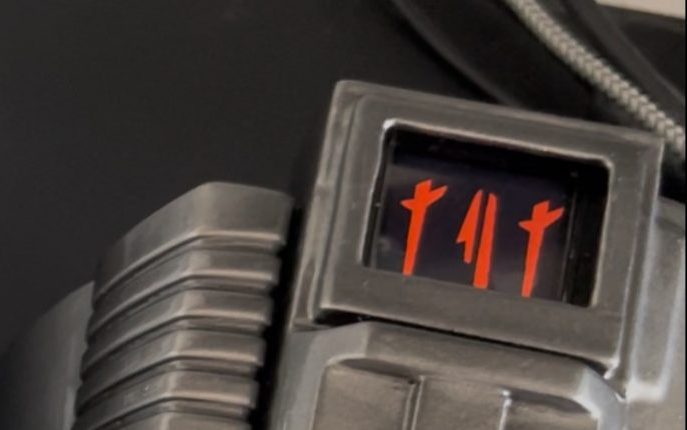
Find video walkthroughs below.
IF YOU HAVE PURCHASED A CASE FOLLOW THE VIDEOS BELOW.
For orders with no case the following will be included:
Foam Wrap
Thin foam to cut to shape as a surround.
Additionally uou will require a LiPo battery or powerbank with USB C Cable. For :ipo batteries we strongly suggest the Adafruit 500 mAh battery. Some after market batteries could have the Positive/Negative wires in different positions which will fry the board. ALWAYS CHECK ORIENTATION MATCHES THE SYMBOLS ON THE BOARD!
Example battery link can be found – HERE

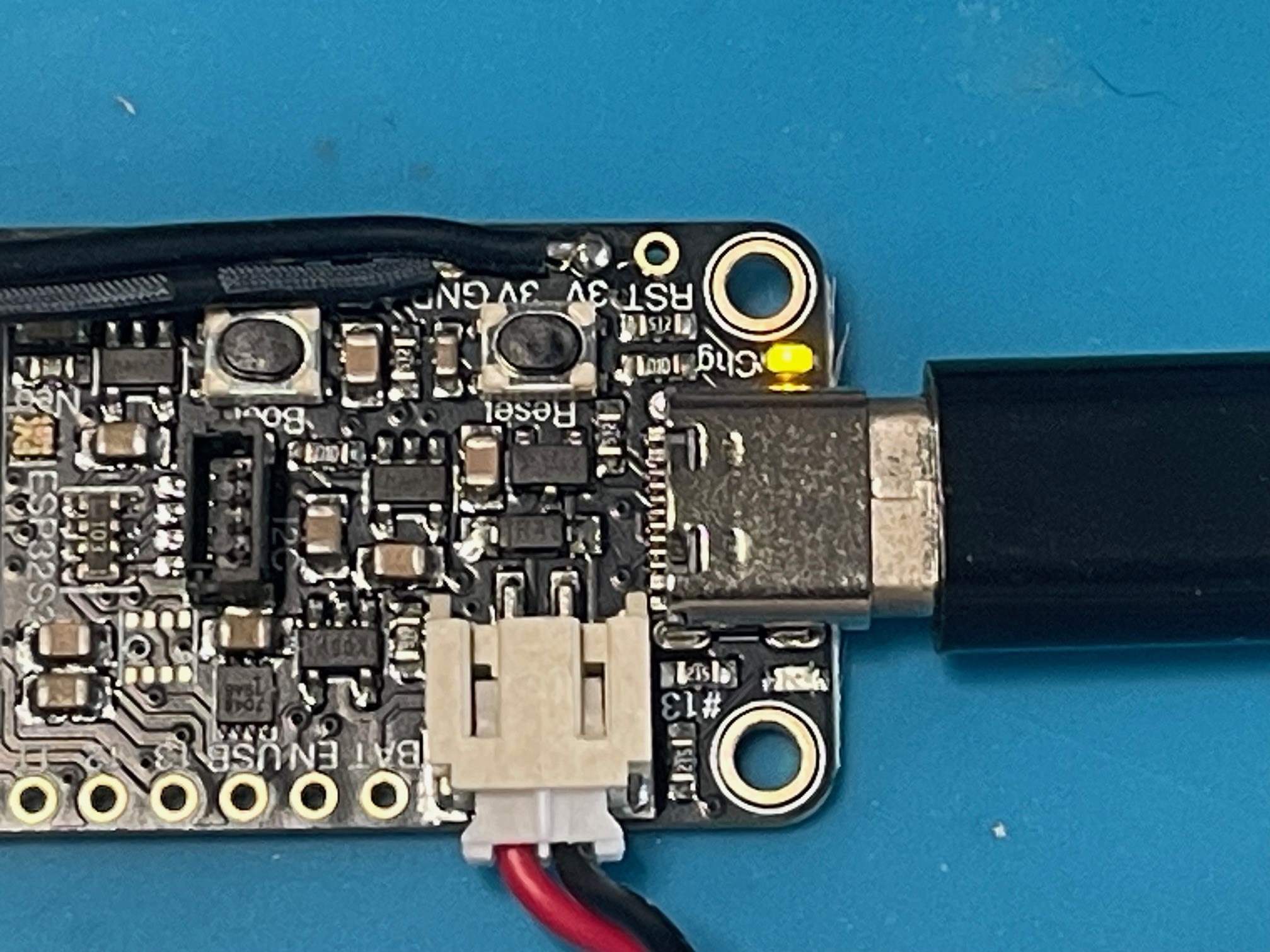
The main board supports battery charging. Connect the battery and then connect to USB C to a power bank (not a mains charger as it may provide too much power). A yellow LED will illuminate to signify the battery is charging. The light will go out once battery has charged.
Example battery link can be found – HERE
The main board supports battery charging. Connect the battery and then connect to USB C to a power bank (not a mains charger as it may provide too much power). A yellow LED will illuminate to signify the battery is charging. The light will go out once battery has charged.