
BESKAR MANDOPUTER INSTALL INSTRUCTIONS
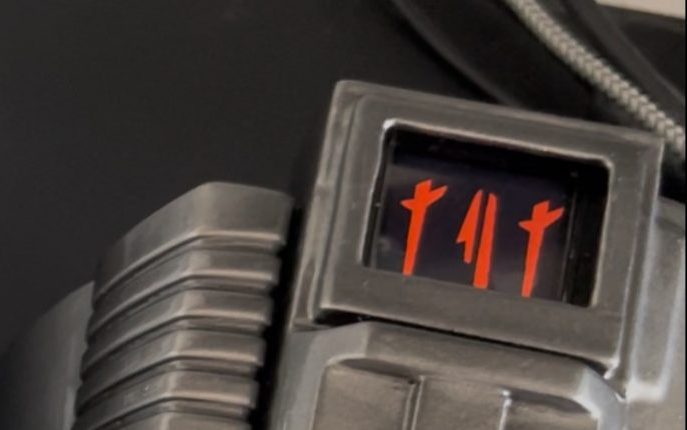
Find video walkthroughs below.
IF YOU HAVE PURCHASED A CASE FOLLOW THE VIDEOS BELOW.
For orders with no case the following will be included:
Foam Wrap
Thin foam to cut to shape as a surround.
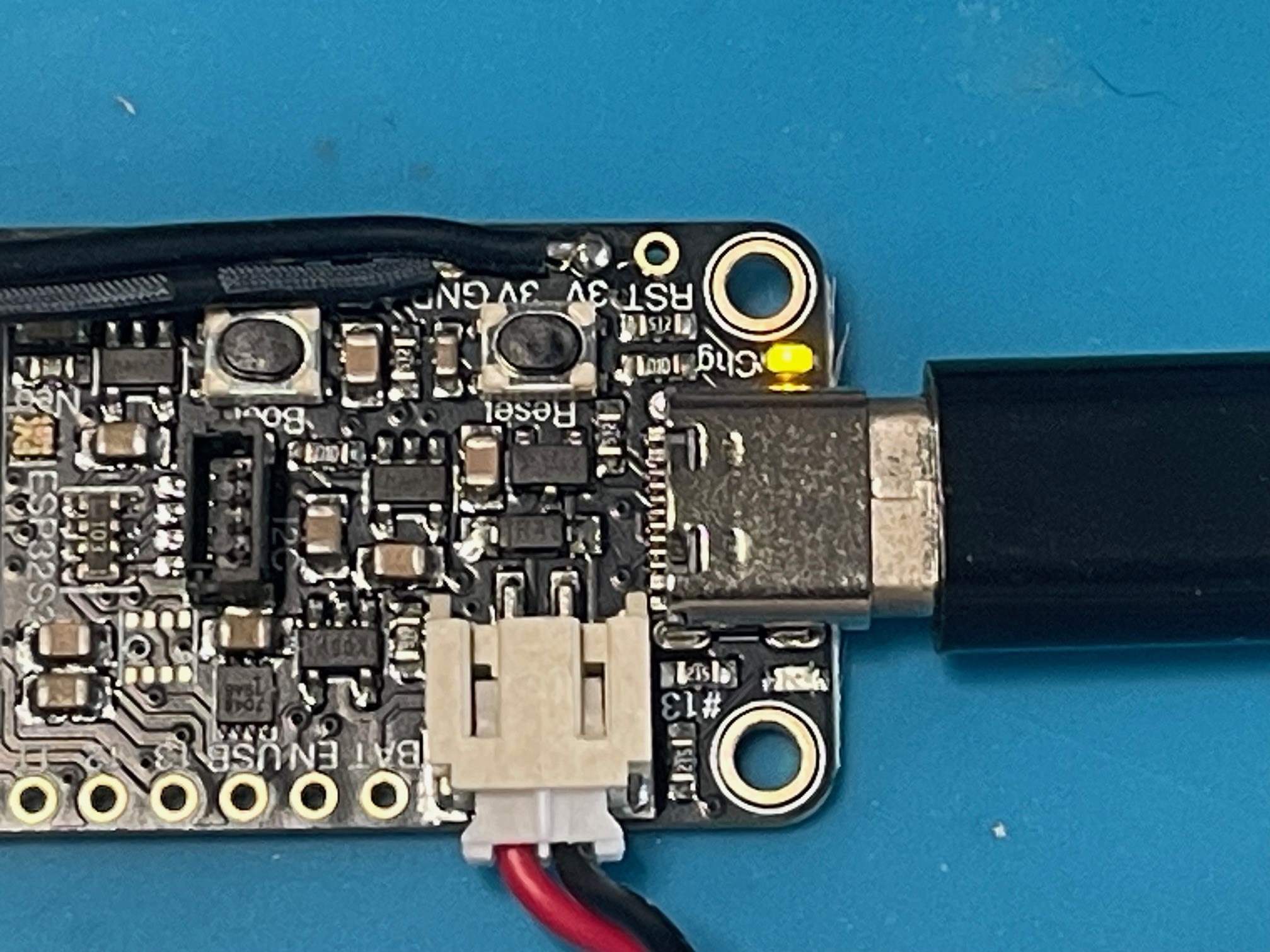
Additionally uou will require a LiPo battery or powerbank with USB C Cable. For :ipo batteries we strongly suggest the Adafruit 500 mAh battery. Some after market batteries could have the Positive/Negative wires in different positions which will fry the board. ALWAYS CHECK ORIENTATION MATCHES THE SYMBOLS ON THE BOARD!
Example battery link can be found – HERE

The main board supports battery charging. Connect the battery and then connect to USB C to a power bank (not a mains charger as it may provide too much power). A yellow LED will illuminate to signify the battery is charging. The light will go out once battery has charged.
Example battery link can be found – HERE
The main board supports battery charging. Connect the battery and then connect to USB C to a power bank (not a mains charger as it may provide too much power). A yellow LED will illuminate to signify the battery is charging. The light will go out once battery has charged.
WITHOUT CASE INSTALL – (MAIN BOARD WILL DIFFER IN THIS VIDEO. BUT PROCESS IS THE SAME)
TROUBLESHOOTING:
ISSUE – The unit has power but there are two red LED’s showing on the board.
FIX – Press the button labelled ‘Reset’ and the unit will reboot and come on as expected.
Complete the form below to be added to our mailing list. Product updates, sales and Firmware updates for the Pro Elite will be sent out in our Newsletters.