
Detailed instructions are below, they can also be downloaded via the button at the bottom.
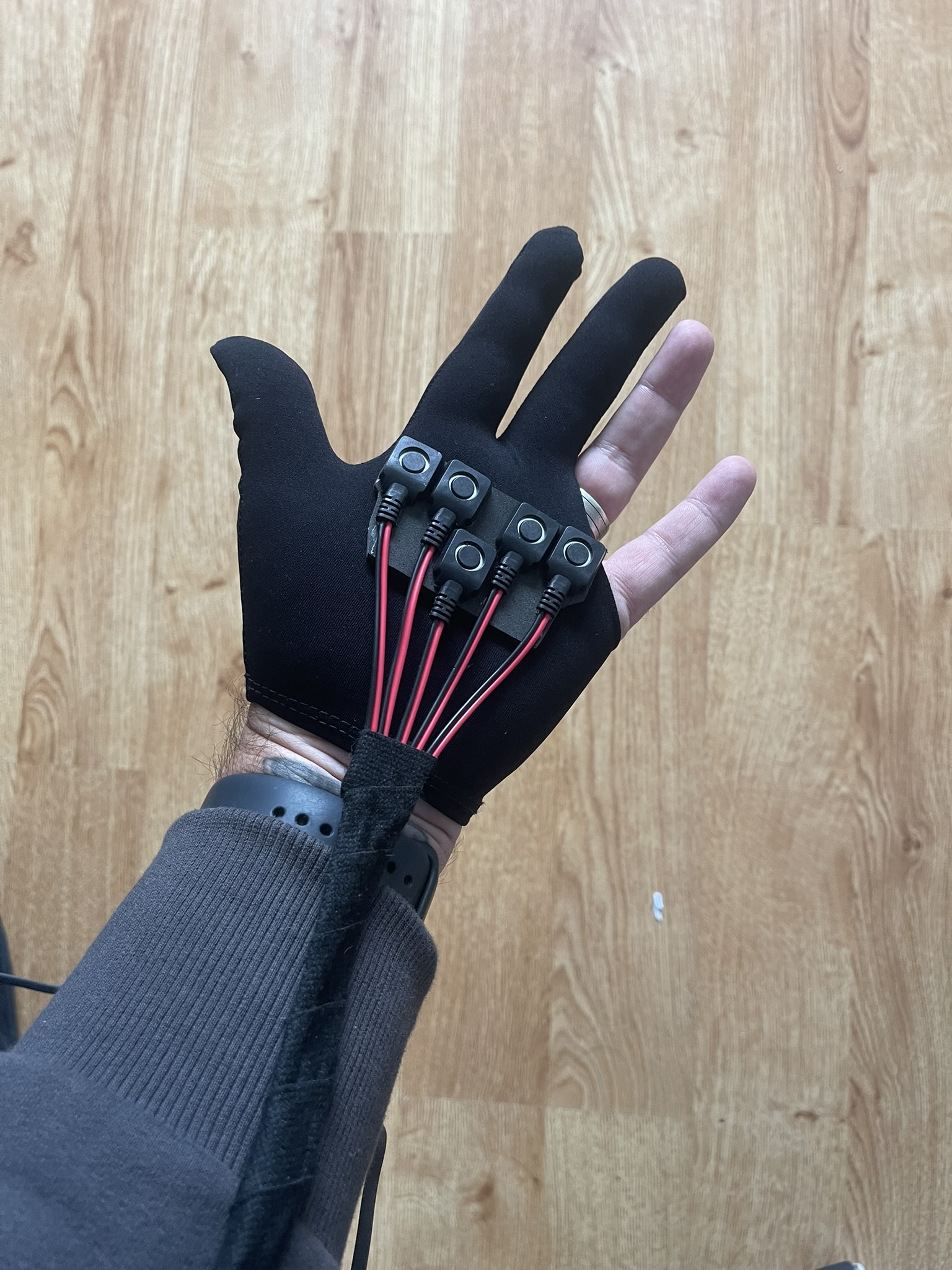
In your box you will find below:
3.5mm Jack Aux Cable (with right angle connection)
USB to Micro USB cable
Velcro strap (as of end of Oc 2025)
In addition you will require:
In addition, you will require:
- Speaker with 3.5mm aux port.
- USB Power bank (that supports low power consumption devices).
We can recommend any Anker Power bank that includes their ‘trickle charge’. For example the ANKER Ultra-Compact 5,200mAh or ANKER 323 Power bank 10,000mAh
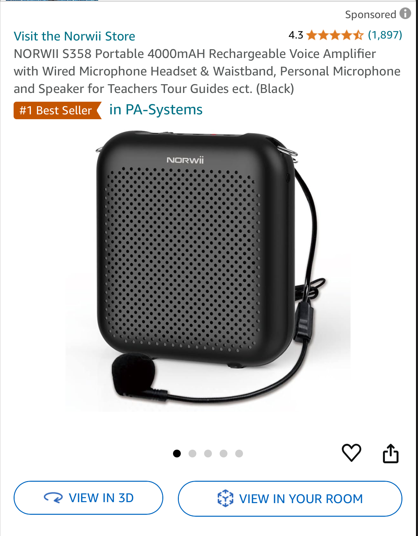
For speakers many customers recommened something similar to this ->
The board will power on automatically when connected to USB power source.
**NOTE – If the unit is connected to a computer it will not generate sounds from pressing buttons. It is in transfer mode. It needs to be connected to a power pack.**
Troubleshooting – If you find the unit is switching off after a short period of time (in some instances after 10 seconds) this will be down to your power bank. Many DO NOT support low power devices.
No Sound – Firstly ensure the unit is not connected to a computer as above. Some speakers only work with particular types of aux cables. The one we provide should work with most speakers. But the easiest test is to connect a pair of wired headphones if you have some to the Engage unit. If you get sound from these try replacing the aux cable.
You can download these instructions via the link below
Click the link below to download these instructions.
Engage 5 Instructions (1604 downloads )