
Detailed instructions are below, they can also be downloaded via the button at the bottom.
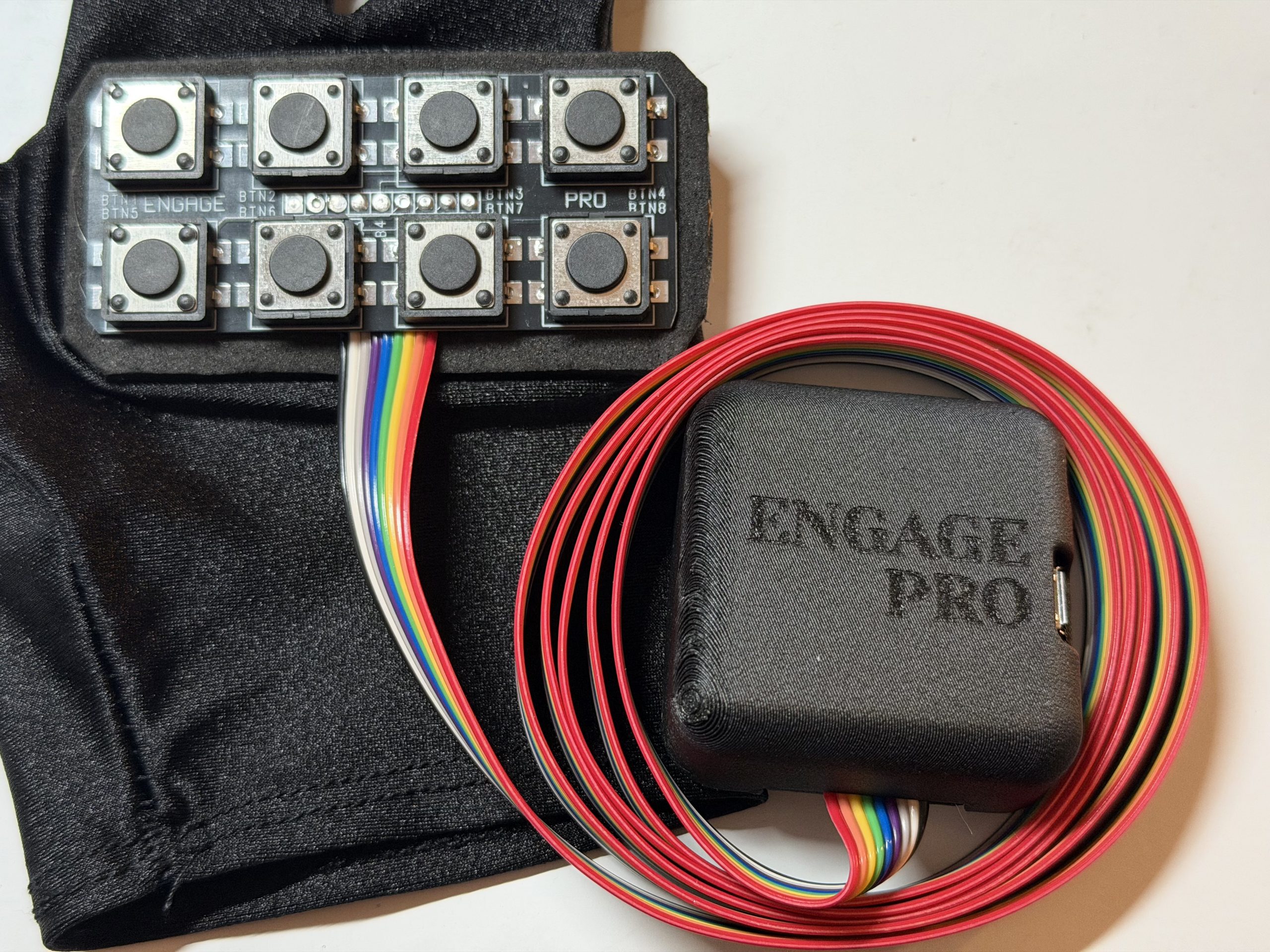
In your box you will find below:
1.5m 3.5mm Jack Aux Cable (with right angle connection)
1.5m USB to Micro USB cable
MicroSD Card Converter (only needed for adding new profiles)
In addition you will require:
In addition, you will require:
- Speaker with 3.5mm aux port.
- USB Power bank
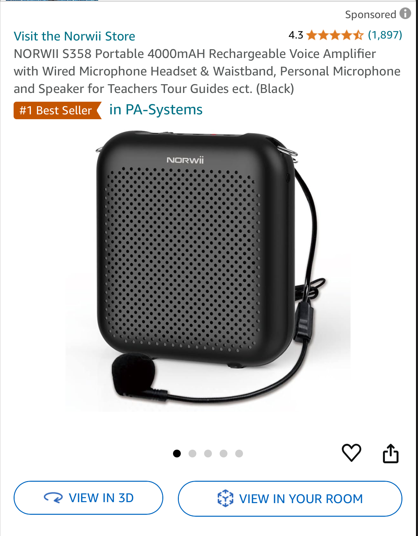
Many customers have recommended a speaker similar to this.
IMPORTANT – Please do not wrap the ribbon cable around the hand unit for storage. Whilst this device is made to last this can cause unnecessary strain on the connection to the PCB and may result in damage and the device stopping working.
How To Guide:
When powering on the Pro, ensure your speaker is connected first before connecting power. The main reason for this is when the Pro boots up it will announce the character in the ‘Profile 1’ position. This confirms the device is working as expected.
- Click & Hold Buttons – Where applicable there will be different dialogue on some of your buttons. Consult the Template that you would have been provided. A single click will activate the ‘Click’ sounds and a short hold will activate the ‘Hold’ sounds.
- Q&A Mode – If your template has a button assigned to ‘Question Mode’ pressing that button activates the setup. Pressing the button will activate the ‘Initial Phrase’. Button 1 will then repeat that phrase if required. Buttons 2 – 4 will have phrases based on the answer to your question. Button 8 cancels Question mode and returns the unit to normal operation.
- Switching Profiles – If you have purchased and installed additional profiles they will be loaded in order on your device. Each device can have upto 6 profiles. Hold Button 1 and then Hold button 8 there will be an audio announcement of the profile you have switched to. If you move to an empty profile, there will just be an audible bleep.
- Polyphonic Sounds – If your template has this option, you can hold Button 8 to activate the sound (Music or Vader breathing) Release Button 8 once is starts. Whilst the audio is playing other sounds can be activated at the same time. To stop the Polyphonic audio just hold Button 8 until it stops.
TROUBLESHOOTING
Erratic button behaviour – try releasing the screw on the case slightly. Sometimes if over tightened the case can add pressure to the SD card.
No sound – There have been instances where the aux cable provided doesn’t work with some speakers. If you have some wired headphones try those in the unit. If you get sound try replacing the aux cable.
Click the link below to download these instructions.
The videos below show you the PRO in action and how to add new profiles.