
Detailed instructions are below, they can also be downloaded via the button at the bottom.
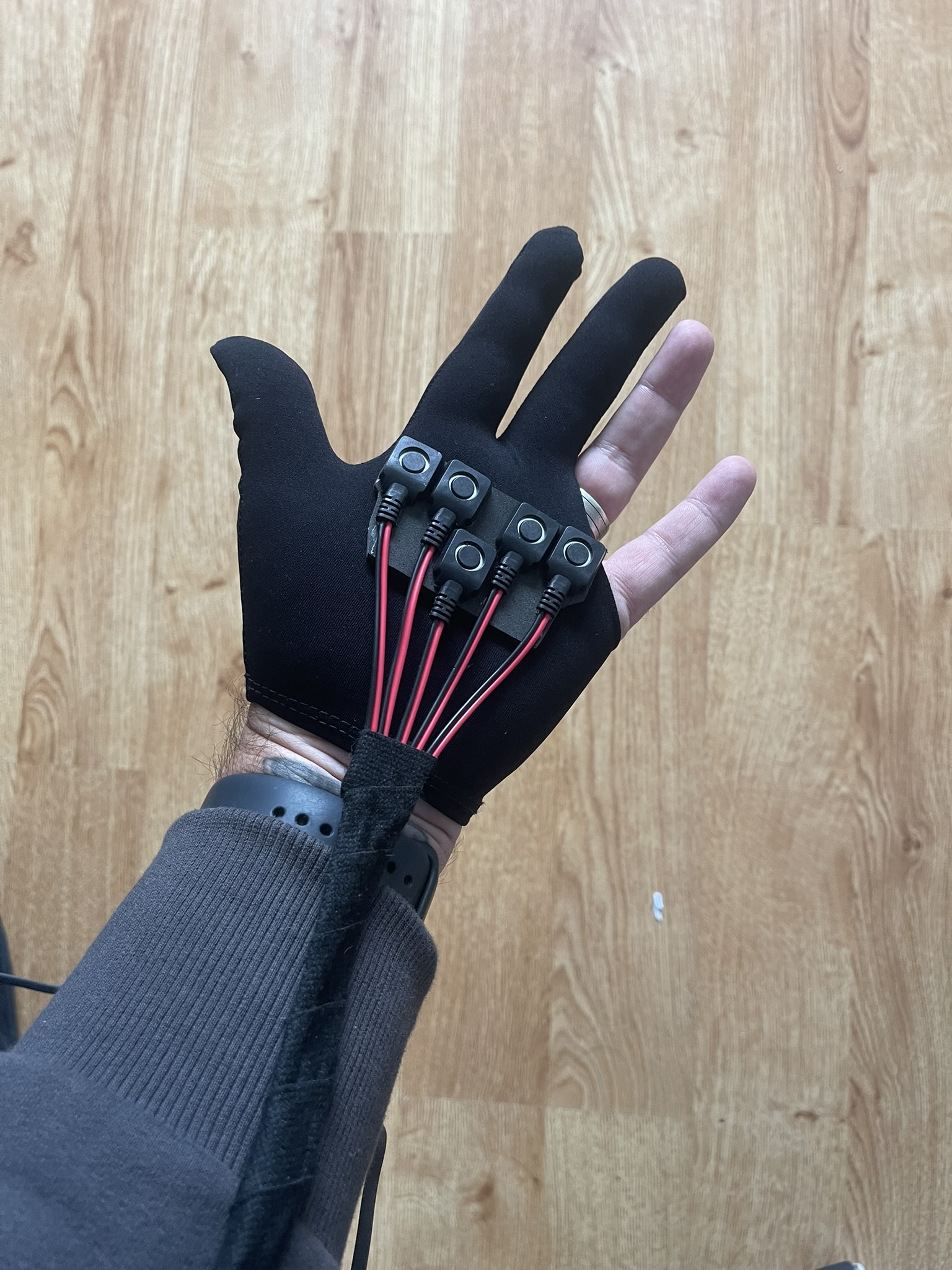
In your box you will find below:
3.5mm Jack Aux Cable (with right angle connection)
USB to Micro USB cable
Velcro strap (as of end of Oc 2025)
In addition you will require:
In addition, you will require:
- Speaker with 3.5mm aux port.
- USB Power bank (that supports low power consumption devices).
We can recommend any Anker Power bank that includes their ‘trickle charge’. For example the ANKER Ultra-Compact 5,200mAh or ANKER 323 Power bank 10,000mAh
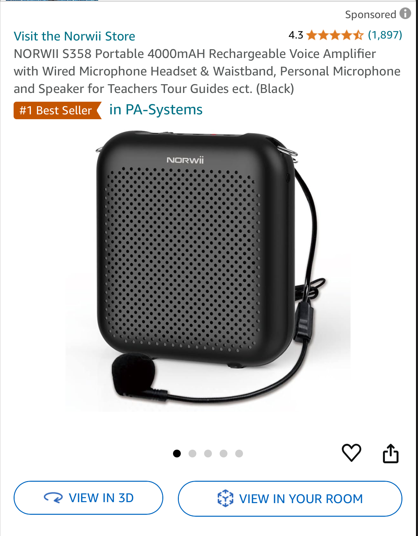
For speakers many customers recommened something similar to this ->
The board will power on automatically when connected to USB power source.
**NOTE – If the unit is connected to a computer it will not generate sounds from pressing buttons. It is in transfer mode. It needs to be connected to a power pack.**
Troubleshooting – If you find the unit is switching off after a short period of time (in some instances after 10 seconds) this will be down to your power bank. Many DO NOT support low power devices.
No Sound – Firstly ensure the unit is not connected to a computer as above. Some speakers only work with particular types of aux cables. The one we provide should work with most speakers. But the easiest test is to connect a pair of wired headphones if you have some to the Engage unit. If you get sound from these try replacing the aux cable.