
This page outlines details on tested Fog Machines.
The Engage Inferno was built and designed using the Vosentech Microfogger 5 Pro. It can also be used with the Microfogger 5 Lite & Microfogger 4 Pro.
ALTERNATE FOG MACHINES
At this moment in time we havn’t tesed with other fog machines. One of our customers has successfuly paired it with a PMI SmokeNinja Pro. When time allows we will update this page with any other recommendations. However technically any fog machine that can be triggered via RF signal should work with the Inferno. Either the Fog machine configured to trigger from the Inferno remote or the Inferno triggered from the fog remote.
📡 BINDING YOUR RF UNIT TO THE MICROFOGGER PRO
Your Microfogger Pro will have come with an RF Remote. However we need to reconfigure the Microfogger to use the RF unit provided with your Inferno kit. This is easily done in the Microfogger advanced menu.
Hold the Mode button on the front of the unit until the display changes. Press the Mode button repeatedly until Advanced menu shows on the display. Click the select button. Press the mode button until Remote PROGRAM appears. Press the select button.
The screen will shows Press A. Now click and hold the button on your RF Fob. The display will change to release. Let go of the button. The display will now show Press B. Repeat the process of holding and released for B, C & D. Eventually the screen will display DONE then go back to Remote PROGRAM. Click the large Smoke button twice to come out of the Menus.
You can now press the RF Fob and your smoke machine will trigger.
📡 BINDING THE INFERNO TO AN ALTERNATIVE REMOTE
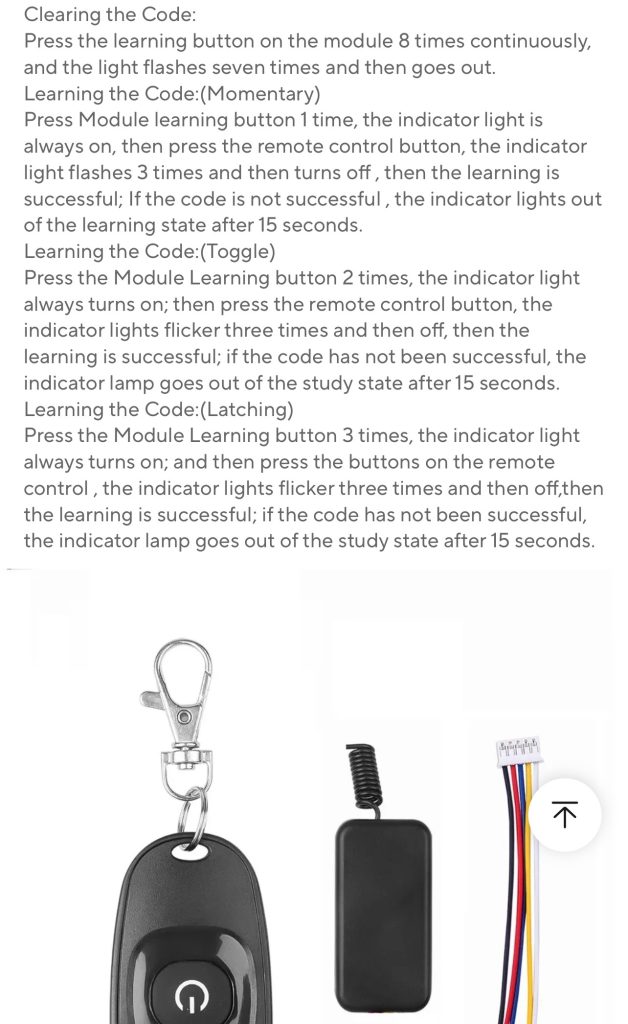
Some fogmachines cannot be bound to other remotes in which case the Inferno can be configured to respond to the fob provided with your Fog machine.
Below are the details on how to accomplish that.
Was this article helpful?
Your feedback helps us improve these guides.